
How to turn a photo into a video with AI
Updated · 2 min read
In short
An AI image-to-video model animates a still photo by generating motion from the person, the light and the framing it sees. The photo decides most of the result: one sharp subject, a visible face and clean light animate well; group shots, heavy filters and hidden faces do not. Pick a recipe that fixes the movement (an effect, a dance, a fashion turn) and you only add the photo.
Animate a photo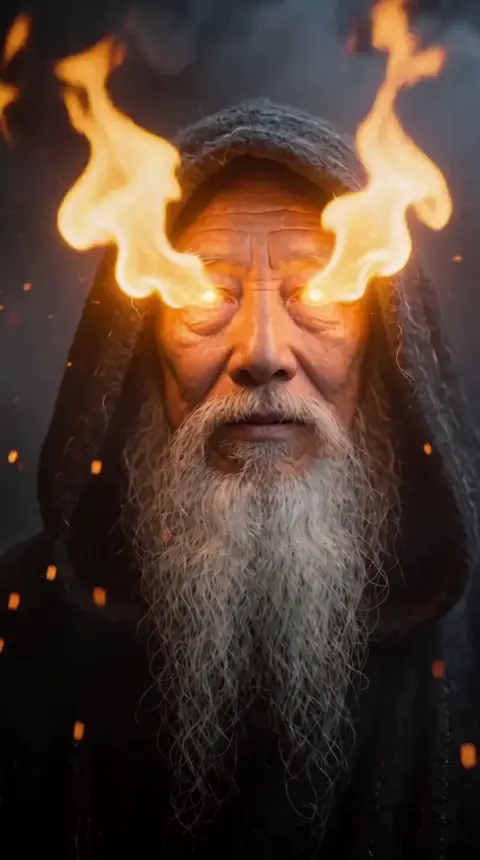
What happens when a photo becomes a video
The model uses your photo as the reference for the person and generates the clip around them: how the hair moves, where the camera goes, what the light does. Some recipes keep your background, others replace it with their own setting. Anything the photo does not show, like a hidden hand or the legs in a close-up, has to be invented.
The photo that animates well
These are the photos that give the most stable faces and the least deformation:
- One person, facing the camera or in three-quarter view.
- Face and shoulders fully visible, nothing covering the eyes or mouth.
- Sharp focus and even light; avoid strong beauty filters.
- Vertical photo if the clip will be vertical: less of the frame has to be invented.
Recipes that work from one photo
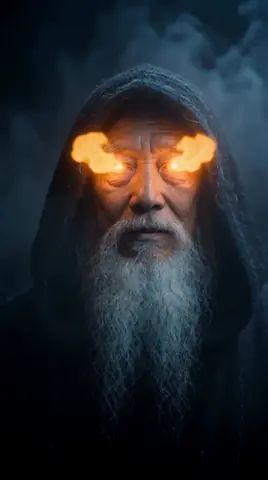
In AgiClips several recipes need nothing more than a photo: the 12 one-tap effects (gold statue, fire eyes, money rain, teleport and more), the viral dance, the editorial fashion turn and the night anime ride from an anime image.
Fire eyes 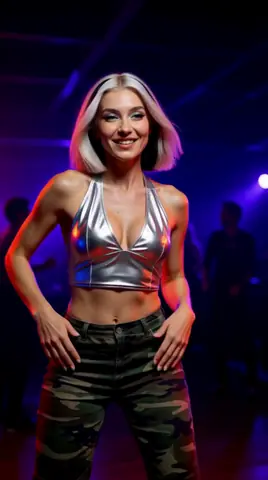
Viral dance 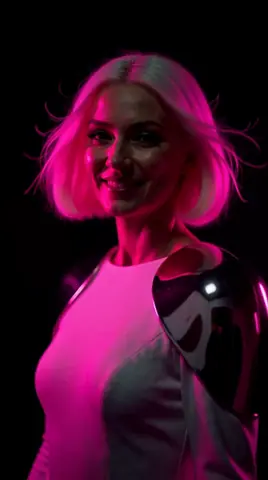
Editorial turn 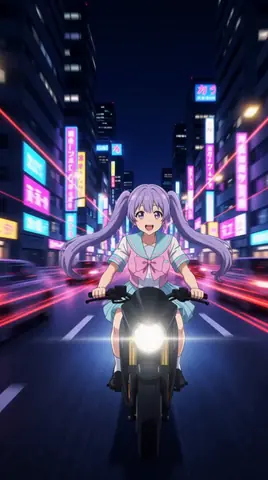
Anime night ride
Mistakes that ruin the clip
- Group photos: the model mixes faces or animates the wrong person.
- Tiny faces in a wide shot: the face loses detail when it moves.
- Screenshots with text or stickers on top: they melt into the video.
- Asking for a movement the framing cannot show, like full-body dancing from a close-up.
Only photos you have the right to use
Animate photos of yourself or of people who agreed to it. Do not upload photos of minors or of public figures.
How to do it
Choose the photo
One sharp subject, visible face, vertical if possible.
Pick the recipe
An effect, a dance, a fashion shot: the recipe sets the movement.
Generate
AgiClips shows the cost first, then renders the clip in 9:16.
Compare and keep
If the face drifts, try another photo before changing the recipe.
Frequently asked questions
- Can AI animate any photo?
- It can try, but results depend on the photo: one clear subject with a visible face works far better than group or blurry shots.
- Do I need to write a prompt?
- Not with a recipe: the movement and the camera are already set. You can add a short line to steer the scene.
- Why does the face change during the clip?
- Usually the face was small, covered or filtered in the photo. A sharper, closer photo keeps it stable.
- Is it free?
- You can try it on the free plan; those clips carry a watermark.
Make it with your own photo
Pick a recipe, add your photo or character and get a vertical clip. The cost is shown before anything runs.
Animate a photo