
How to make AI videos for TikTok, Reels and Shorts
Updated · 2 min read
In short
To make a good AI video, start from a ready-made recipe instead of a blank prompt, give the model a clear subject (a photo or a saved character), describe the shot in one concrete sentence and generate short 5-second clips you can iterate on. Render in vertical 9:16 so the clip fits TikTok, Reels and Shorts without cropping.
Make your first clip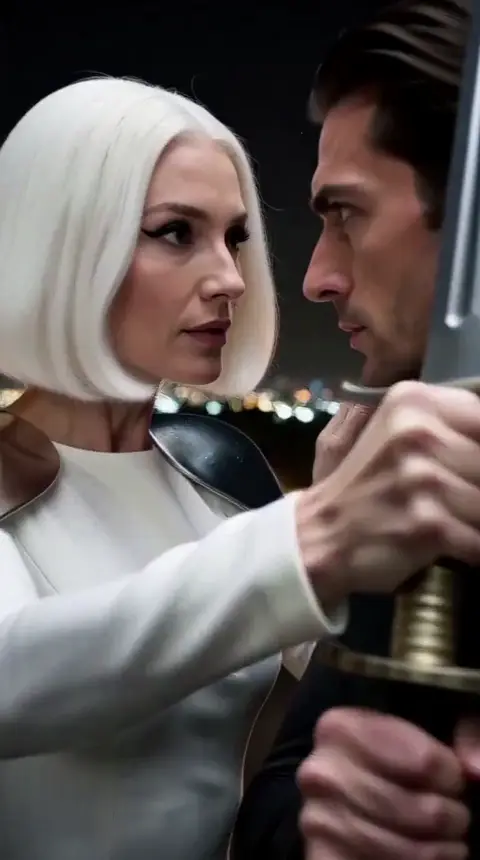
Start from a recipe, not a blank prompt
Most failed AI videos come from asking the model to invent everything at once: the subject, the place, the movement and the camera. A recipe fixes the hard parts (the action, the camera move, the framing) and leaves you only the creative choice.
AgiClips has 55 of these recipes ready to use, grouped by what they make: fights, anime, action, 3D mascots, cinema and fashion, one-tap effects and images.
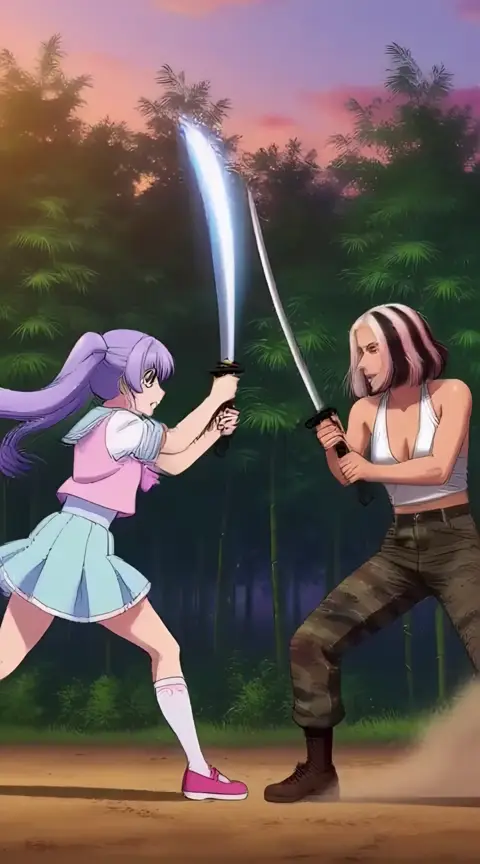
Anime sword duel 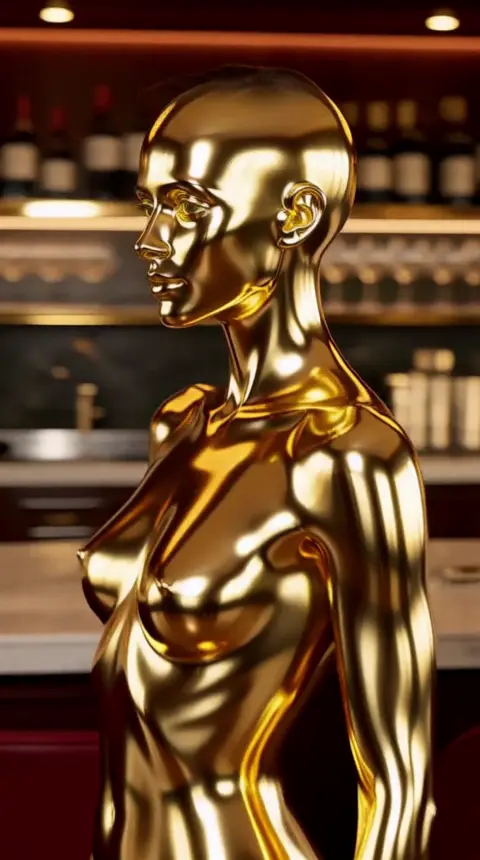
Gold statue 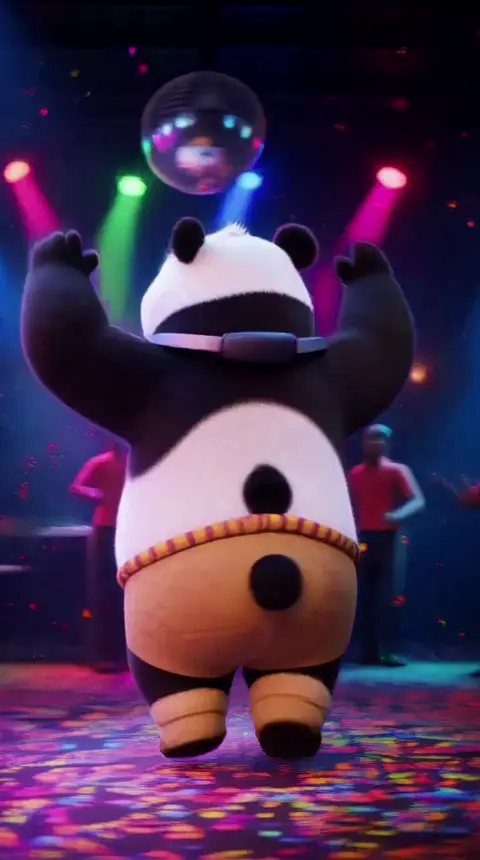
Dance party 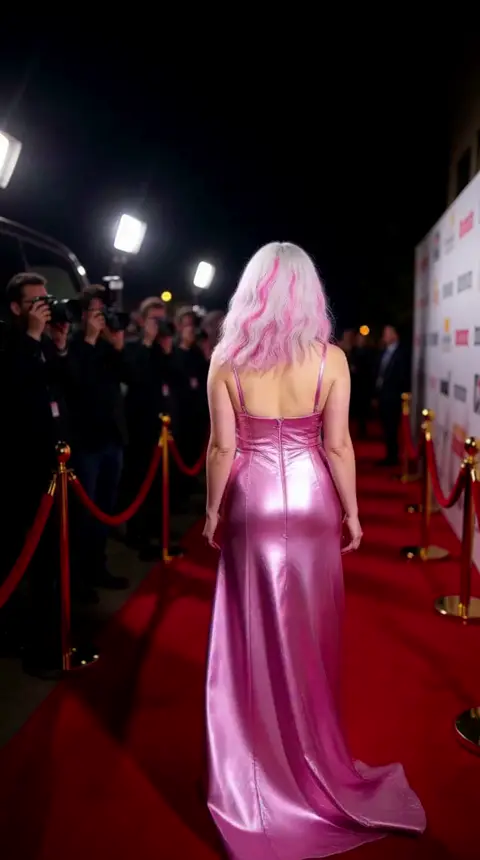
Red carpet
Give the model a clear subject
The model keeps a face and an outfit much better when it sees them. Use a sharp photo of one person facing the camera, or a character you designed and saved, instead of describing a person in words.
If the same person appears in several clips, save them as a character once and reuse it: the face and the style stay the same from clip to clip.
Write one concrete line
Describe what happens in the shot, not adjectives about quality. "She turns to the camera and the wind lifts her coat" works better than "cinematic, 8k, masterpiece".
- One action per clip: a turn, a jump, a punch, a reveal.
- Say where it happens: a rooftop at sunset, a neon street, a beach.
- Leave the camera to the recipe unless you need a specific move.
Think in 5-second clips
Short clips are cheaper, faster and easier to get right. Generate several 5-second takes, keep the best one and only then go longer. On the free plan clips go up to 10 seconds; paid plans go up to 15 seconds and unlock higher quality.
Make it vertical from the start
Render in 9:16 instead of cropping a horizontal video later: the subject stays centered and nothing important is cut off on a phone screen.
How to do it
Pick a recipe
Choose the kind of clip: an effect, a fight, a fashion shot, a mascot adventure.
Add the subject
Upload a photo or pick a saved character.
Describe the shot
One concrete sentence about what happens and where.
Generate and iterate
Make several 5-second takes, keep the best, then refine.
Frequently asked questions
- Do I need video editing skills?
- No. The recipe sets the camera and the movement; you choose the subject and describe the action.
- What format should I use for TikTok, Reels and Shorts?
- Vertical 9:16. The AgiClips recipes render in that format.
- How long should an AI clip be?
- Start with 5 seconds. Short clips are easier to get right and you can chain the good ones.
- Can I make AI videos for free?
- Yes, on the free plan, with a watermark and clips of up to 10 seconds in standard quality.
Make it with your own photo
Pick a recipe, add your photo or character and get a vertical clip. The cost is shown before anything runs.
Make your first clip