
How to keep an AI character consistent across videos
Updated · 2 min read
In short
An AI character drifts when every clip describes it again in words, because the model reinvents the face each time. To keep it consistent, create the character once as an image with fixed traits (face, hair, outfit, style), save it and give that same image to every video. Change the scene and the action, never the description of the character.
Create your character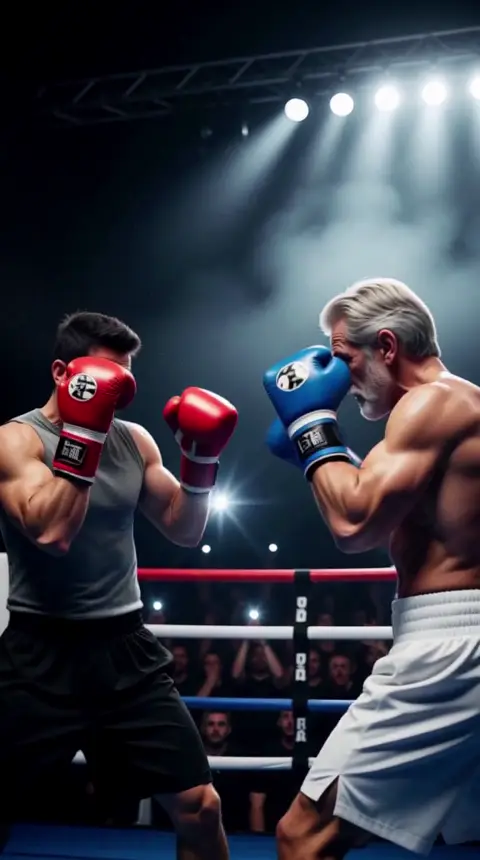
Why the character changes
A text prompt like "a woman with red hair" describes thousands of possible people. Each generation picks a different one. The fix is to stop describing and start showing: one reference image that every clip starts from.
Design the character once
Decide the traits that make the character recognizable and write them down before generating:
- Face and age: a few concrete features (freckles, a scar, a beard shape).
- Hair: color and cut.
- Outfit: one signature piece that appears in every clip.
- Style: realistic, 3D, anime, comic... and keep it.
Save it and reuse it
In AgiClips you design a character by look, age and style (26 visual styles, from realistic to anime and 3D), save it and pick it in any recipe that takes a character. The free plan keeps one saved character, Creator keeps five and Pro and Studio have no limit.
Recipes with two people, like the katana duel or the boxing match, take two saved characters, so the same cast can appear in a whole series.

Nova 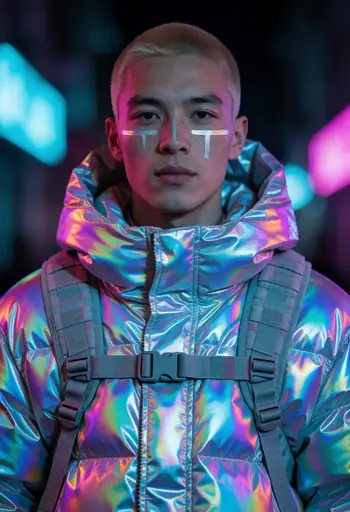
Kai 
Lia 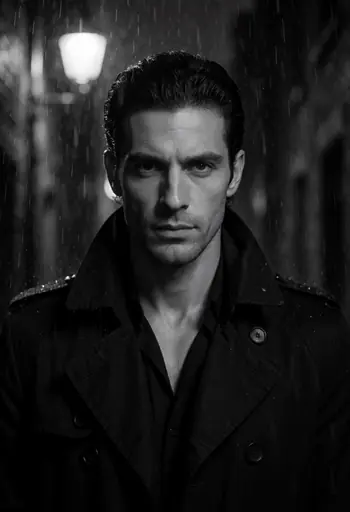
Dante
Change the scene, not the character
Keep the character fixed and vary everything around it: the place, the action, the time of day, the recipe. If a clip drifts, regenerate it from the same saved character instead of editing the description.
How to do it
Define the traits
Face, hair, outfit and style, written down once.
Generate the character image
Create it in the character studio and keep the version you like.
Save it
Saved characters can be picked in any recipe that takes a character.
Reuse it in every clip
Vary the scene and the action; keep the character.
Frequently asked questions
- Why does my AI character look different in every video?
- Because each clip describes it again in words. Use one saved reference image instead.
- Can I use the same character in different styles?
- You can, but consistency is easier inside one style. Save a separate character per style.
- How many characters can I save?
- One on the free plan, five on Creator and no limit on Pro and Studio.
- Can two of my characters appear in the same clip?
- Yes, recipes with two people take two saved characters.
Make it with your own photo
Pick a recipe, add your photo or character and get a vertical clip. The cost is shown before anything runs.
Create your character